
Topology
Identify connected equipment and the routes between local devices, aggregation points and supervisory systems. Assess resilience needs against the role of each connection.
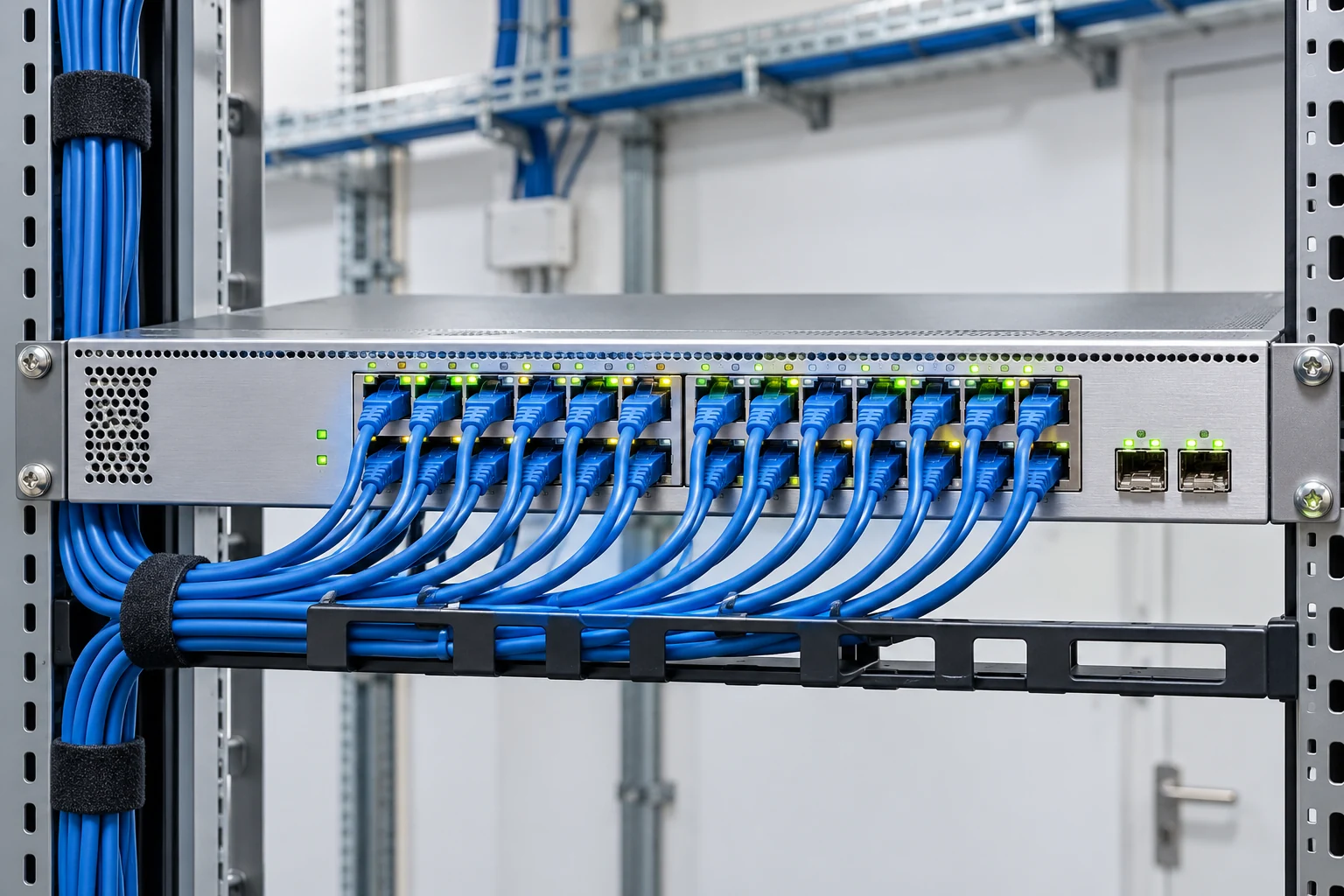
Industrial and infrastructure networks carry information between equipment, controllers and operators. Their design should reflect traffic requirements, environmental conditions and the consequences of a lost connection. A clear topology and consistent identification make the network easier to commission and maintain.
The equipment discussion covers switches, uplinks, media selection and cabinet interfaces. It also connects the physical installation with configuration records so that the delivered network can be understood by the operating team.
Identify connected equipment and the routes between local devices, aggregation points and supervisory systems. Assess resilience needs against the role of each connection.
Review distance, available pathways, electromagnetic conditions and enclosure requirements. Choose copper or fibre links against these project conditions, then coordinate termination and testing.
Agree naming, port schedules, address allocation and configuration ownership. Backups and controlled changes help preserve the relationship between the installed network and its documentation.
| Design input | What to coordinate |
|---|---|
| Endpoints | Equipment list, port count and required link speeds |
| Uplinks | Distance, fibre or copper media and connection type |
| Network boundaries | Segmentation, access rules and responsibility ownership |
| Handover records | Port labels, link tests, topology and configuration backup |
Establish the endpoint and connection schedule.
Coordinate switching equipment and physical routes.
Verify terminations, labels and agreed connectivity.
Hand over topology and configuration records.